Frequently Asked Questions
Answers to common questions about Queta AI solutions, how they work, and how your data is protected.
Visit the Grok Bot FAQsGetting Started
Do I need a Grok subscription to use Queta?
Yes. Queta runs on Grok Bot, which requires an active Grok subscription on the Premium plan or higher.
- If you do not have a subscription yet, sign up for a Grok subscription on the Premium plan or higher at the Grok Bot plans page.
- If you already have a Grok subscription, sign in at grok.com, open Settings, then Billing, and confirm you are on the Premium plan or higher. After you unify your accounts, plans are managed in the Grok dashboard.
- To unify your accounts, start at the account unification page, or open grok.com, then Settings, then Billing, then Get started. Sign in to the exact Grok account you want to keep, and optionally the X and Cursor accounts you want to combine. Choose the Premium plan or higher and complete checkout. Unification is permanent. The official account unification guide walks through the same steps.
- Download the Grok Bot desktop app for macOS, Windows, and Linux from the Grok Bot desktop download. Install the phone apps from the App Store or Google Play.
How will I get my Queta solution?
Once you sign up, you will receive an email with a Getting Started guide and your solution package.
What platform do Queta AI solutions run on?
Queta AI solutions run on the Grok Bot platform. You subscribe to the Grok platform under your own username, and your Queta solution runs inside your individual Grok account.
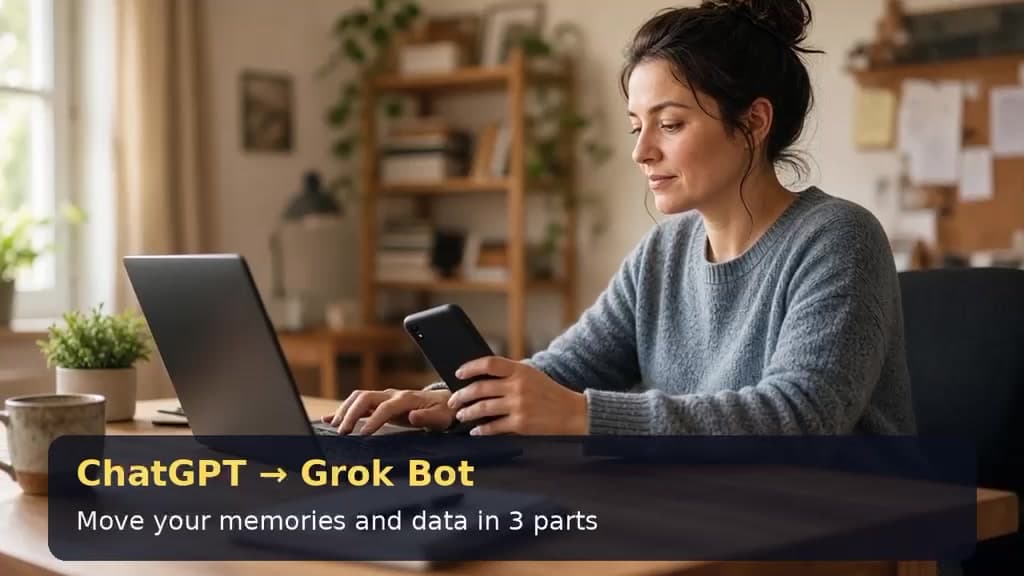
How do I migrate from ChatGPT to Grok Bot while preserving my memories and data?
You can bring your ChatGPT memories and data into Grok Bot so you do not have to start from scratch. First, copy your saved memories from ChatGPT (Settings > Personalization > Memory > Manage) and request a full data export (Settings > Data controls > Export data). Then open a chat with your Grok Bot, paste in your memories, ask it to remember them, and share files from your export so it can pick out what matters. The video below walks through each step.
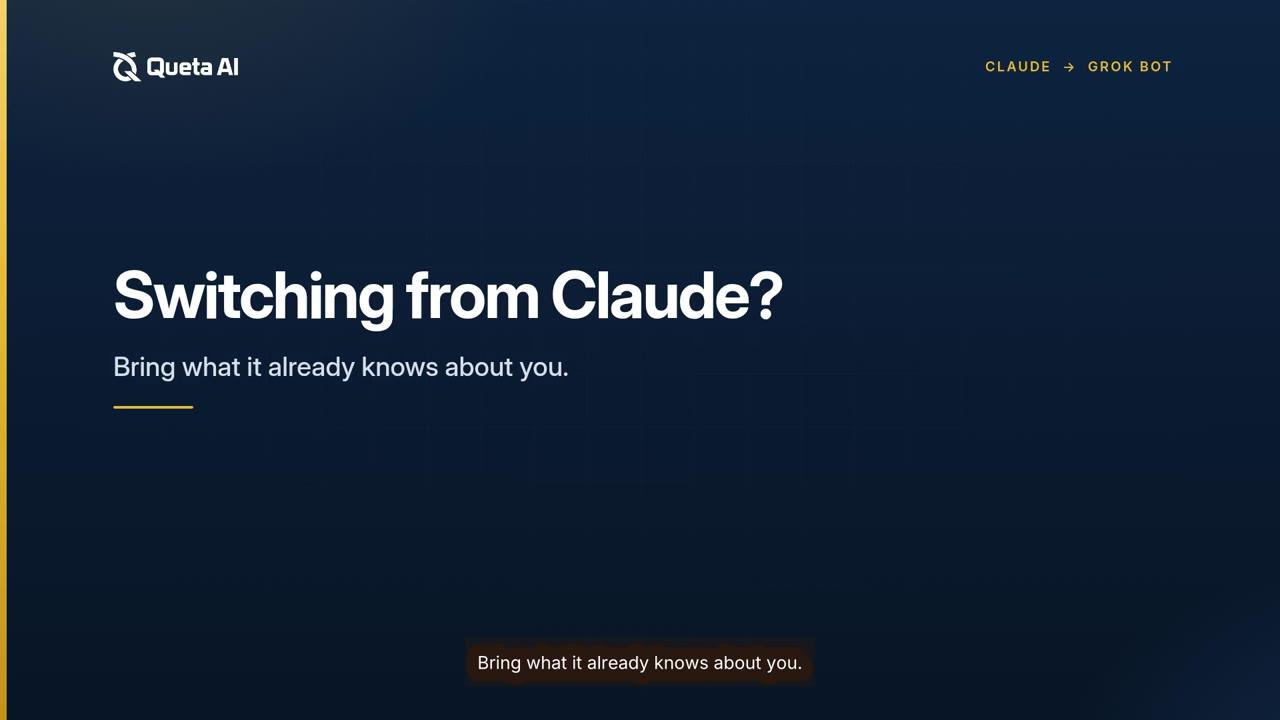
How do I migrate from Claude to Grok Bot while preserving my memories and data?
Below is the step by step guide to migrate from Claude to Grok Bot
Your Account and Data
Does the Queta AI team have access to my account?
No. Your Queta solution runs inside your own Grok account, and the Queta AI team has no access to, or visibility into, your account.
Who manages security and privacy?
All security and privacy measures are managed by the Grok platform.
Security and Privacy
Can a bot do more than I can?
No. A bot acts only on your behalf and never holds more access than you do.
How are my passwords, cards, and connector tokens protected?
Connector tokens stay on the Grok Bot platform's backend, and saved passwords and cards are managed by Grok Bot. For detailed information, review the following resources:
What happens before a bot takes a consequential action?
Consequential actions go through Auto Review and require your approval.
More Resources
Where can I learn more about Grok Bot?
Still have a question?
Read the Privacy Policy.